

Pomodoro Timer Apps: The Four Kinds, and How to Pick the One You Will Keep
Search for Pomodoro timer apps and you get hundreds that look the same: a red circle counting down from 25. Underneath, they fall into four kinds, and the kind matters more than the brand. Some only count, some manage a task list, some lock your phone, and some put a sound under every block. Mindael is the last kind: a Pomodoro timer paired with focus sounds that fade at the end of each block, free to download on the App Store. Here is how the four kinds differ and how to choose.
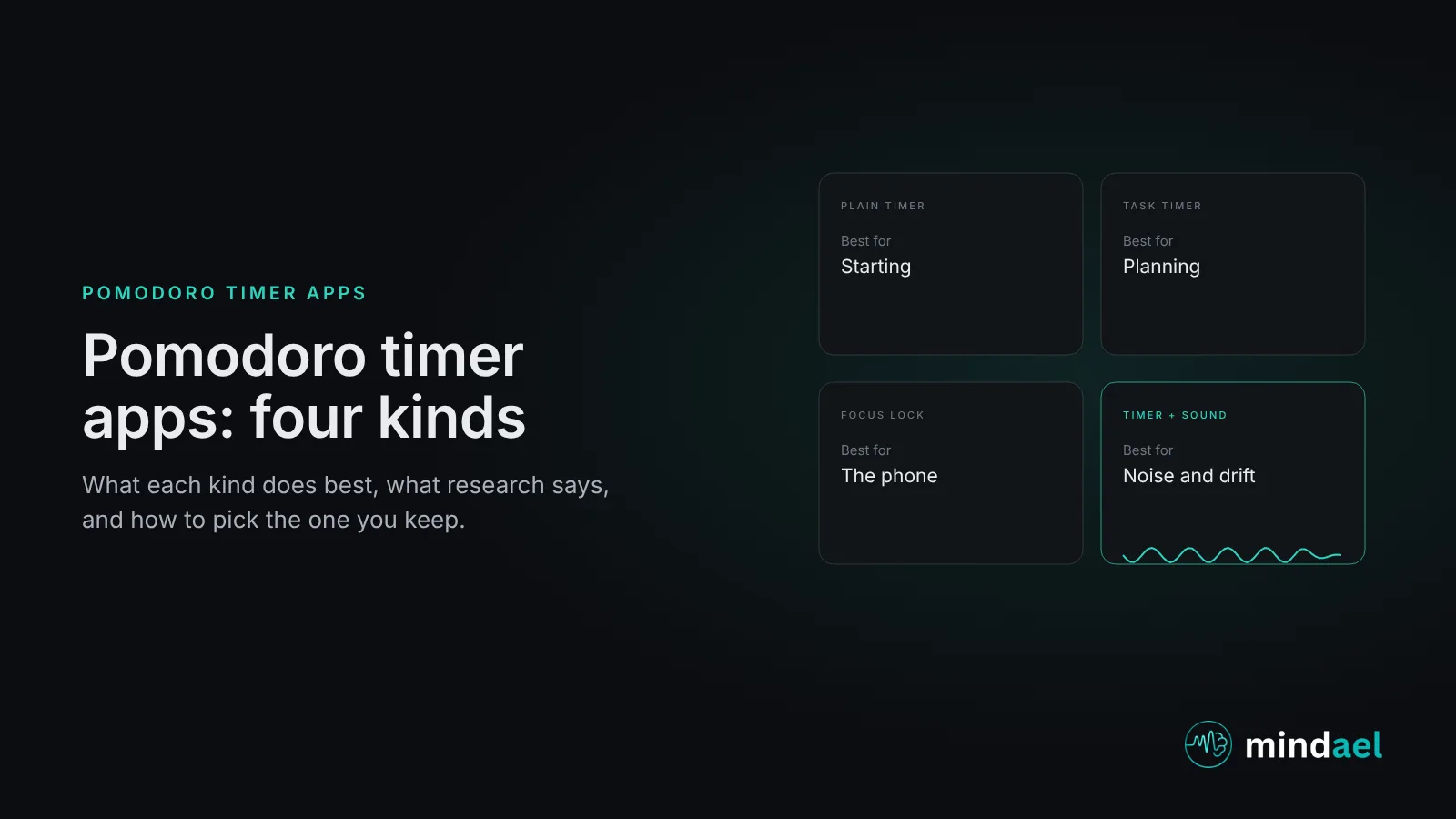
Pomodoro timer apps fall into four kinds. Plain timers only count blocks and breaks, which is enough if starting is your only problem. Task timers attach each block to a to-do list and suit people who plan their day in tasks. Focus-lock apps block other apps during a block and suit people whose phone is the main distraction. Timers with sound play a steady sound under each block and end it with a fade, which suits people who lose focus to noise or drift. Research supports the core idea of any kind: in a study of students, fixed Pomodoro breaks left them less tired and more motivated than self-chosen breaks, and a meta-analysis found short breaks raised vigour and lowered fatigue. Pick the kind that fixes your biggest problem, then check for adjustable lengths, the full four-block cycle and background play. Mindael is a timer with sound; it does not block other apps.
What to look for, and how Mindael covers it
| What you need | In Mindael |
|---|---|
| The kind that fits your problem | Mindael is a timer with sound: a steady sound under each block, faded out at the end |
| Adjustable block and break lengths | 25/5 to start, 50/10 for deep work, anything in between |
| The full cycle with a long break | Four blocks, short breaks, a long break after the fourth, counted for you |
| A gentle end to each block | The sound fades out instead of an alarm ringing mid-sentence |
| Runs in the background | Timer and sound keep going with the screen locked |
| Works offline, no account | Every sound is on the phone; open it and press play |
| Price | Free to download on the App Store |
The four kinds of Pomodoro timer apps
1. Plain timers. A countdown for the block, a countdown for the break, maybe a round counter. They solve the hardest part of Pomodoro, which is starting: “just 25 minutes” is a small enough promise to keep. If you already work well once you begin, this is all you need.
2. Task timers. Each block is attached to a task on a list, and the app tallies how many blocks each task took. They suit people who plan their day in tasks and like seeing where the hours went. The risk is spending more time organising the list than working through it.
3. Focus-lock apps. During a block they block or discourage other apps. They suit people whose phone is the main thing pulling them out. The cheaper alternative is to put the phone in another room, which works for many people just as well.
4. Timers with sound. A steady sound plays under each block and stops at the end. The sound becomes the start signal, covers the noise around you and gives attention something even to rest on. This is the kind Mindael is: brown noise, beta and gamma beats or rain under the timer, with a fade at the end. Mindael does not block other apps.
What the research says about any kind
The part of Pomodoro with the best evidence is the break. In a study of students, those who took fixed Pomodoro breaks reported less fatigue and more motivation than those who chose when to stop (Biwer et al., 2023). A meta-analysis of 22 study samples found short breaks of up to ten minutes gave small but reliable increases in vigour and decreases in fatigue (Albulescu et al., 2022). And how the block ends matters: interrupted work was finished faster but with more stress and frustration (Mark et al., 2008), which is the case for a fade over an alarm.
So whichever kind you choose, it should make the breaks easy to take: count them for you, include the long break, and run while the screen is locked.
Matching the kind to the person
- Students revising: a plain timer or a timer with sound. See the study timer checklist.
- Writers and developers: a timer with sound at 50/10 for deep work. The 25 minute timer guide explains when to stretch the block.
- Project-heavy days: a task timer, used lightly.
- Phone in hand every few minutes: a focus-lock app, or the phone in another room plus any of the others.
For the full checklist of what one Pomodoro app needs, see the best Pomodoro app guide, and for the technique itself, the Pomodoro sounds guide.
How to switch in five minutes
- Name your biggest problemNot starting, losing track of tasks, picking up the phone, or drifting because of noise. Each points to a different kind of Pomodoro timer app.
- Choose the matching kindPlain timer for starting, task timer for planning, focus lock for the phone, timer with sound for noise and drift. You can pair two if you need to.
- Check the basicsAdjustable lengths, the four-block cycle with a long break, background play and no forced sign-up. Any app missing these will be deleted within a week.
- Run one full cycle before judgingFour blocks and the long break, on real work. A Pomodoro app is only as good as the second hour, not the first five minutes.
- Keep the one you still open on FridayThe best Pomodoro timer app is the one that has become part of starting work, not the one with the most features.
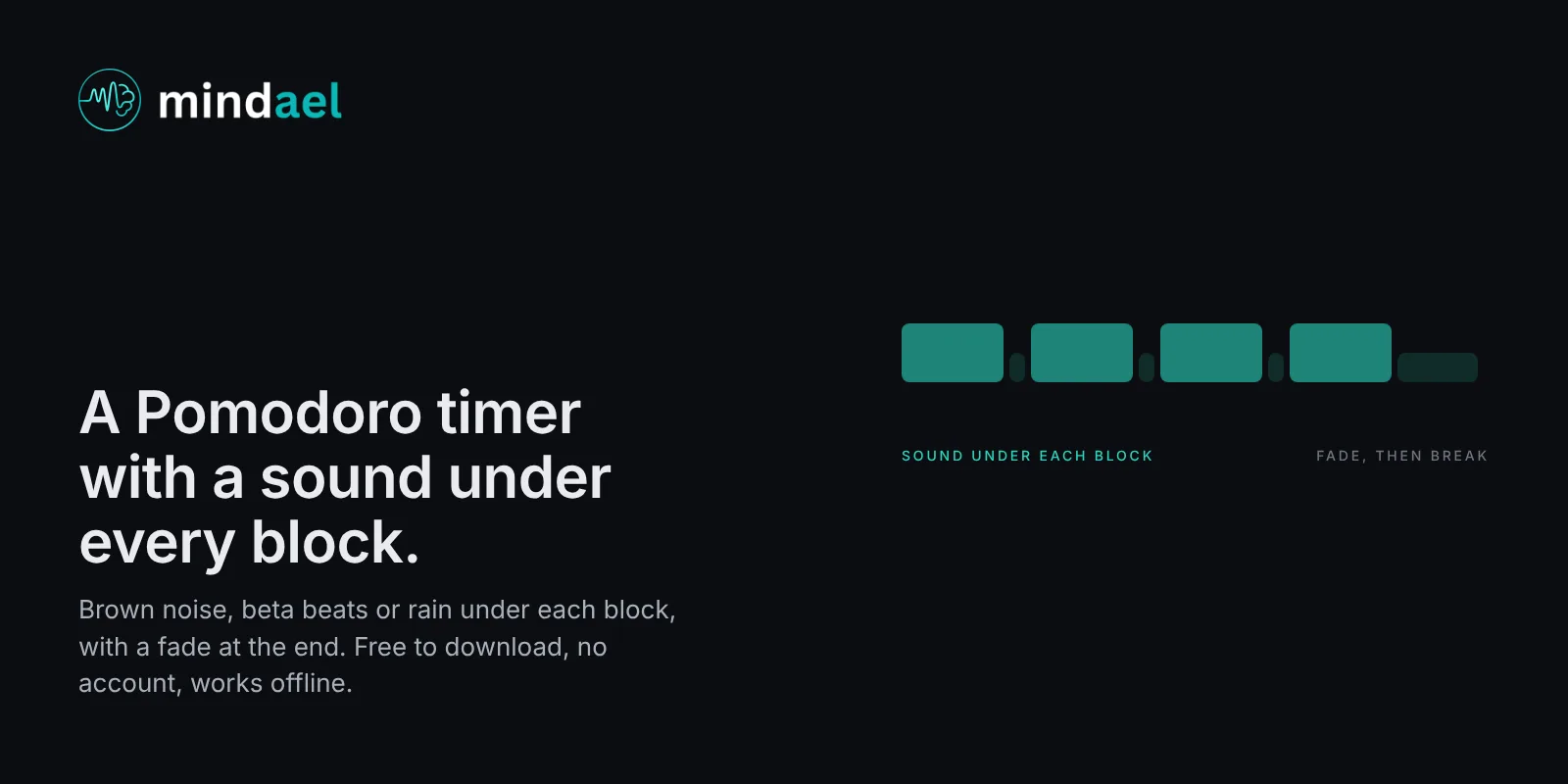
A Pomodoro timer with a sound under every block.
Mindael runs the full Pomodoro cycle with brown noise, a beta beat or rain under each block and a fade at the end, so the sound starts the work and ends it. No account, works offline with the screen locked. Download it, set 25 minutes, press play.
- Adjustable blocks, short breaks and the long break
- Brown noise, beta and gamma beats, rain under each block
- Fades at the end of a block, offline, no account
 Free · No account needed · Works offline
Frequently asked questions
What is the best Pomodoro timer app?
The one whose kind fits your problem. Plain timers help with starting, task timers with planning, focus-lock apps with phone distraction, and timers with sound with noise and drift. Mindael is a Pomodoro timer with focus sounds, free to download on iPhone.
Are Pomodoro timer apps worth it?
Yes, if you use the breaks. In a study of students, fixed Pomodoro breaks left them less tired and more motivated than breaks they chose themselves, and a meta-analysis found short breaks raised vigour and reduced fatigue.
Do I need an app that blocks other apps?
Only if your phone is the main thing pulling you out of a block. Many people do just as well with the phone in another room. Mindael does not block apps; it puts a steady sound under the block instead.
Should a Pomodoro timer ring at the end?
It works, but an alarm interrupts the sentence you are in, and interrupted work has been measured to raise stress. A sound that fades out gives you a few seconds to finish the thought.
Is there a free Pomodoro timer app?
Many are free to download, including Mindael. Check what the free version includes before you build a habit around it.
Sources
- Biwer F, et al. Understanding effort regulation: comparing "Pomodoro" breaks and self-regulated breaks. British Journal of Educational Psychology, 2023.
- Albulescu P, et al. "Give me a break!" A systematic review and meta-analysis on the efficacy of micro-breaks for increasing well-being and performance. PLOS ONE, 2022.
- Mark G, Gudith D, Klocke U. The cost of interrupted work: more speed and stress. CHI 2008.