
Best Study Timer App: What a Timer for Studying Needs, With the Research, and How Mindael Covers It
A study timer app is worth having for one reason the research is clear about: students given fixed, scheduled breaks ended a session less tired and more able to concentrate than students who took breaks when they felt like it. The timer is the thing that makes the breaks happen. Beyond that, most timer apps are a countdown with a badge, and a countdown is the least important part. This page is the checklist of what a study timer actually needs, where each item comes from, and how Mindael, a sound app with a block timer built in, covers it. Free to download on the App Store.
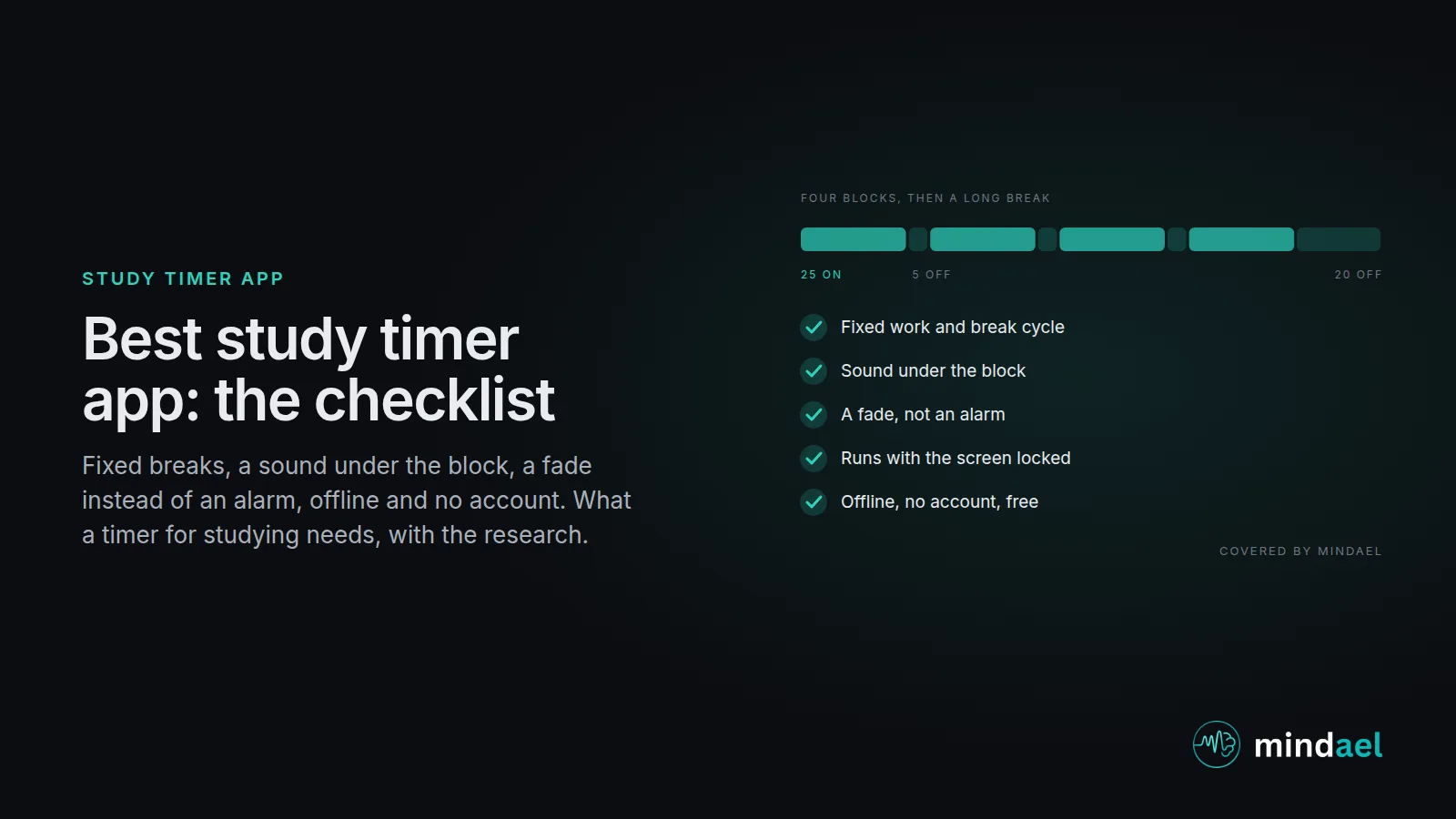
The best study timer app runs a fixed work and break cycle (25/5 or 50/10, four blocks then a long break), puts a steady sound under the block so the library and the flatmates disappear, ends the block with a fade rather than an alarm, keeps running with the screen locked, works offline, and asks for no account. Mindael does all of that with brown and pink noise, rain and alpha and beta beats made in our studio, free to download. It does not have task lists, statistics or a study-group feature; if you want those, run it next to a planner.
What to look for, and how Mindael covers it
| What you need | In Mindael |
|---|---|
| A fixed work and break cycle | 25/5 by default, 50/10 for problem sets, four blocks then a long break, counted for you |
| Sound under the block | Brown, pink, white and green noise generated to spec, rain, alpha and beta beats from our studio |
| A fade, not an alarm | The sound fades out at the end of the block so you finish the sentence instead of jumping |
| Runs with the screen locked | Timer and sound keep going in the background; the phone goes face down in the bag |
| Mixing | A beat under noise, rain over brown: two sounds at once for the kind of work in the block |
| Works offline | Every sound is on the phone, so it works in the library basement and on the train |
| No account, no streaks | Open it, set the block, press play; nothing to log, nothing to lose |
| Price | Free to download on the App Store |
What a study timer is for
Not for counting. For making the break happen at the right time, and for giving the block a start and an end that the body recognises. In a 2023 trial with students, the group given fixed Pomodoro-style breaks took them, while the group left to choose took fewer breaks, later, and reported more fatigue and less ability to concentrate by the end of the session (Biwer et al., 2023). The timer is what turns “I should take a break” into a break. The attention research underneath is older: performance on a long task declines steadily unless the task is briefly interrupted, after which it recovers (Ariga and Lleras, 2011). Our Pomodoro guide has the method in full and the study sounds guide covers which sound suits which kind of study.
The checklist, explained
A fixed cycle. Work length, break length, four blocks, a long break, counted for you. 25/5 is the default and the right one for reading and flashcards; 50/10 keeps the same ratio for problem sets and long writing. The number matters less than the fact that it is fixed; the 2023 trial’s benefit was in the schedule, not the 25.
Sound under the block. This is the item we built Mindael around. A steady sound masks the library and the flatmates, and gives the block a cue that your attention learns. For students with attention difficulties the case is stronger: moderate white noise improved memory performance in inattentive school children in a 2010 study (Söderlund et al., 2010). Which colour, how loud and when to skip it are in the best study noise article; the sounds themselves are on the brown noise and beta waves pages.
A fade, not an alarm. Interrupted work gets finished in about the same time but with higher stress and effort, because people speed up to compensate (Mark et al., 2008). An alarm mid-sentence is an interruption you scheduled. A fade lets the sentence end and makes the break feel like arriving rather than being stopped.
Runs with the screen locked. The timer is not something to look at. The phone goes face down in the bag with the sound running, and the laptop or the book is the only screen. A timer that needs the app open is a timer that puts the phone on the desk.
Mixing. A beta beat under brown noise for past papers; rain over brown for note-taking; alpha under rain for reading. Two sounds at once lets the block match the task without changing apps.
Offline, no account, no streaks. Libraries have basements, trains have tunnels, and a study tool that asks for an email or scores your week is one more thing competing for attention. Open it, set the block, press play.
What Mindael does not do
It has no task list, no tags, no charts and no shared study rooms. If you plan your week in an app, keep that app; Mindael runs beside it as the sound and the block. For a general Pomodoro timer for work rather than study, the best Pomodoro app checklist is the broader version of this page, and for people with ADHD the ADHD sounds guide has the block lengths and sounds our listeners there use. The habits that make a block go well, one thing on the desk, the re-entry rule, the written goal, are in the how to concentrate better article.
How to switch in five minutes
- Download MindaelFree on the App Store, no account needed.
- Set the block25 minutes on, five off, four rounds for reading and revision; 50/10 for problem sets and long writing.
- Pick the sound for the taskBrown noise for reading and memorising, a beta beat under it for past papers, rain for note-taking. Low enough to forget.
- Phone away, screen lockedThe timer and the sound keep running. Write the block's one-line goal on paper before you start.
- Stand up in the breakFive minutes off the screen. The fade at the end of the block is the cue; the silence in the break is part of what makes the next block work.
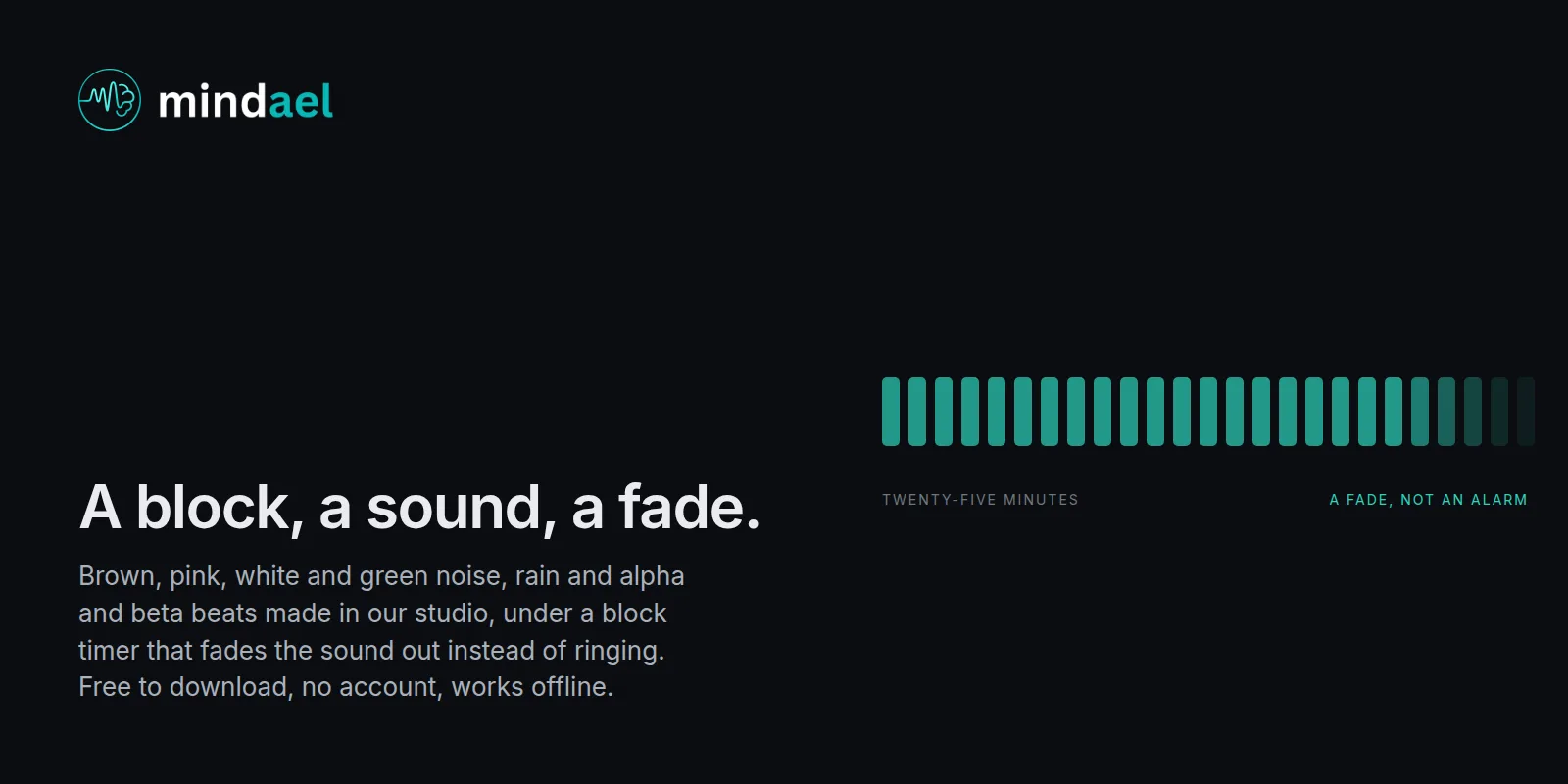
A block, a sound, a fade.
Mindael has brown, pink, white and green noise, rain and alpha and beta beats made in our studio, under a block timer that fades the sound out instead of ringing. Free to download, no account, works offline. Set the block, lock the phone, read.
- Brown, pink, white and green noise, rain, alpha and beta beats, studio-made
- Work and break cycle with a fade at each end
- Free to download, no account, works offline
 Free · No account needed · Works offline
 Frequently asked questions
What is the best study timer app?
One that runs a fixed cycle with real breaks, puts a steady sound under the block, ends with a fade rather than an alarm, keeps running with the screen locked and works offline without an account. Mindael is built around the sound half of that list with the timer included, free to download. Apps built around task lists and statistics are a different tool and some people want both.
Is Mindael a Pomodoro timer?
It has a block timer with work and break lengths and a long break after the fourth block, with the sound fading at each end. It does not have task lists, tags or charts. The Pomodoro guide explains the method and the best Pomodoro app checklist covers the general case.
How long should a study timer be set for?
25 minutes on and five off is the default and suits reading, revision and flashcards. Problem sets, essays and code often need 50 on and ten off, because a block that ends as you get into the problem is worse than no block. Four blocks then a 20 to 30 minute break. Count blocks, not hours; eight clean blocks is a very good day.
What sound should play during a study timer?
Brown noise for reading and memorising in a room that is not quiet, pink if brown is too heavy, a beta beat under noise for practice questions, rain for routine work. No lyrics, no familiar music. Our best study noise article has the research and the volume.
Does it work on a computer?
Mindael is an iPhone and iPad app. Most of our students run it on the phone, face down and locked, with the laptop for the work, which has the side benefit of keeping the timer off the screen you are trying to concentrate on.
Does it have statistics or streaks?
No, on purpose. A study timer that scores you becomes one more thing to check. If you want a record, a line in a notebook per block takes five seconds and is easier to look back on.
Sources
- Biwer F, et al. Understanding effort regulation: comparing "Pomodoro" breaks and self-regulated breaks. British Journal of Educational Psychology, 2023.
- Ariga A, Lleras A. Brief and rare mental "breaks" keep you focused. Cognition, 2011.
- Mark G, Gudith D, Klocke U. The cost of interrupted work: more speed and stress. CHI 2008.
- Söderlund GBW, et al. The effects of background white noise on memory performance in inattentive school children. Behavioral and Brain Functions, 2010.